
PROJECT BRIEF
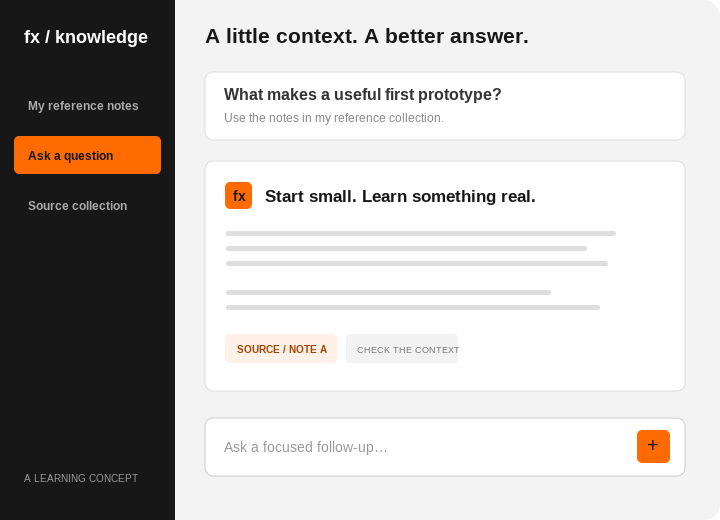
A knowledge assistant
Turn a small set of notes into answers you can trace back to their source.
Explore the project briefTurn a clear creative brief into an image workflow, then iterate with purpose and review the result.
Define what a visual needs to communicate before choosing a tool. Name the audience, the subject, the visual hierarchy, and the intended use. Keep references separate from assets you have permission to reproduce.
What you’ll leave with: A concise visual brief.
Change one part of the brief at a time so you can learn what affects the result. Compare composition, lighting, or a material choice while keeping the purpose steady. Save the settings and instructions needed to explain each version.
What you’ll leave with: An annotated comparison of three variations.
A promising image still needs to work in its context. Review the crop, contrast, readable text, and space needed for surrounding content. Treat generation as one part of a design process that includes selection and editing.
What you’ll leave with: A refined visual in context.
Check for misleading details, unintended likenesses, and claims the image could imply. Explain how the visual was made where that context matters. Keep a record of the source material, changes, and final usage decision.
What you’ll leave with: A shareable visual with a clear process record.
You’ve marked every module complete. Download your plan, revisit an experiment, or use what you learned to explore a project brief.
Turn a small set of notes into answers you can trace back to their source.
Explore the project brief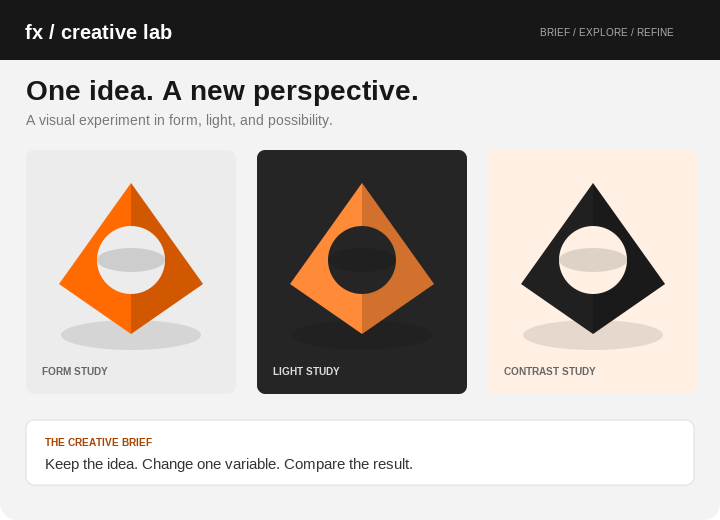
Take one visual idea from a clear brief to a considered, documented result.
Explore the project brief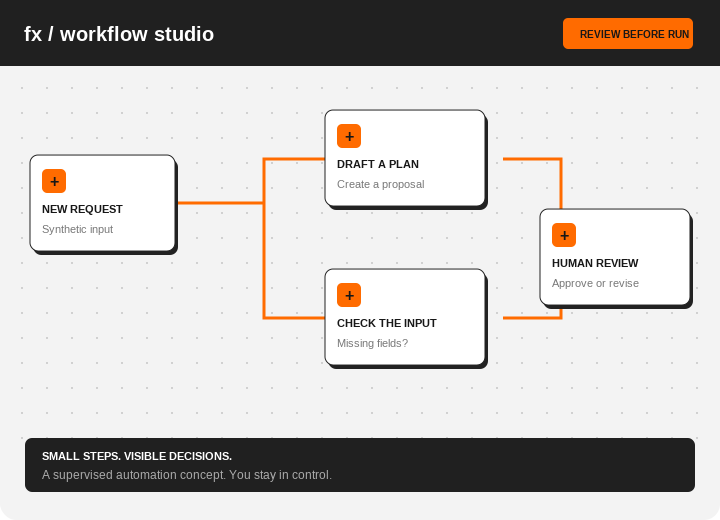
Prototype a useful workflow with clear boundaries and a person in control.
Explore the project briefIllustrative project briefs for your own experiments. These are starting points, not examples of completed member work.